

For local businesses — cafes, clinics, service providers, showrooms — a listing on Yandex Maps often brings in more inquiries than the website itself. It shows up in search, on the Maps themselves, and in Yandex Go, and it gets there without spending a ruble on paid search ads. Let's break down how to build this systematically instead of relying on luck.
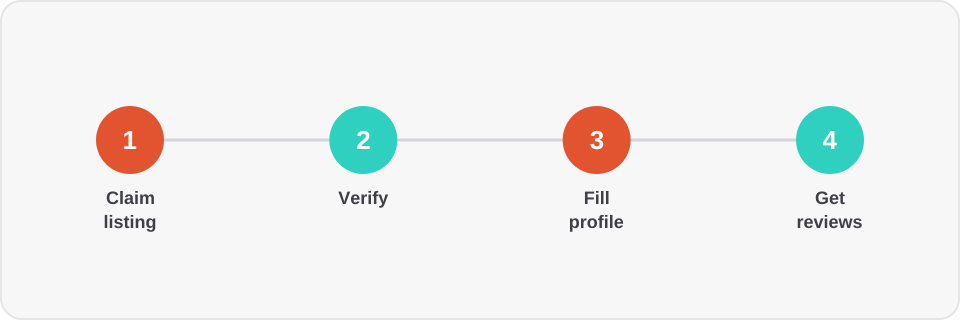
1. Register the company with Yandex Business
An organization's listing is managed through the Yandex Business service. If the company isn't in the database yet, add it and go through verification: by phone call, by letter sent to the legal address, or via Yandex ID if you've already verified a similar business. Without verification, the listing either won't appear or can be edited by anyone — that's a direct reputational risk.
Important: if a competitor or a former employee already created a listing without you, don't create a new one — "claim" the existing one through the same verification process. Otherwise you'll end up with duplicates that confuse both the ranking algorithm and customers.
2. Fill out the profile completely, not just for the sake of it
Yandex explicitly factors profile completeness into ranking. The minimum set that should be filled in:
- an exact address and entrance details if the building is complex (an archway, second floor, separate courtyard entrance);
- the correct business category — it affects which queries you'll be found for;
- working hours, including holidays — a mismatch with reality hurts your rating more than it seems;
- a phone number and website formatted consistently with how they're listed on the site itself (more on this below);
- 10–15 photos: the storefront, interior, products or services, the team. Listings without real photos get noticeably fewer click-throughs.
3. Sync your NAP data with the website
NAP stands for Name, Address, Phone. If the website footer lists one phone number and Yandex Business lists another, or the address is written inconsistently ("10 Lenin St." vs. "Lenin St. 10, office 3"), it weakens search algorithms' trust in both listings. The best approach is to expose this data on the website through structured LocalBusiness markup (schema.org) — then Yandex and Google read it from a single source of truth instead of guessing from plain text.
4. Systematically manage reviews
Reviews are the most visible trust signal and one of the ranking factors. What works in practice:
- ask for a review right after a successful transaction, while the impression is still fresh — for example, via a messenger message with a link to the listing;
- respond to every review, including negative ones — the business's reply is visible to everyone who reads the review afterward, and often matters more than the review itself;
- never buy fake reviews — Yandex recognizes patterns typical of fake reviews and can downrank a listing or flag padded reviews as irrelevant.
5. Publish news and updates
The news section on a listing is an underrated channel: promotions, a new menu, a schedule change all surface in search results and keep the listing "alive" for the algorithm. Businesses that publish updates at least once every 2–3 weeks consistently outrank those that filled out their profile once and forgot about it.
How this connects to the website
A Yandex Maps listing and a website reinforce each other only when the data between them is consistent and the site has the technical markup search engines can actually read. We handle this as part of a technical audit: checking structured data, contact information consistency, and setting up form integrations with a CRM so leads from Maps don't get lost. If you'd like us to review your specific listing and website — get in touch.